Your WordPress form, styled to match your site, in a minute.
Pick a look, tweak the colours, copy the CSS, paste it where your theme or builder keeps custom CSS. Nothing to install, nothing to sign up for.
Works with Gravity Forms, WPForms and Contact Form 7.
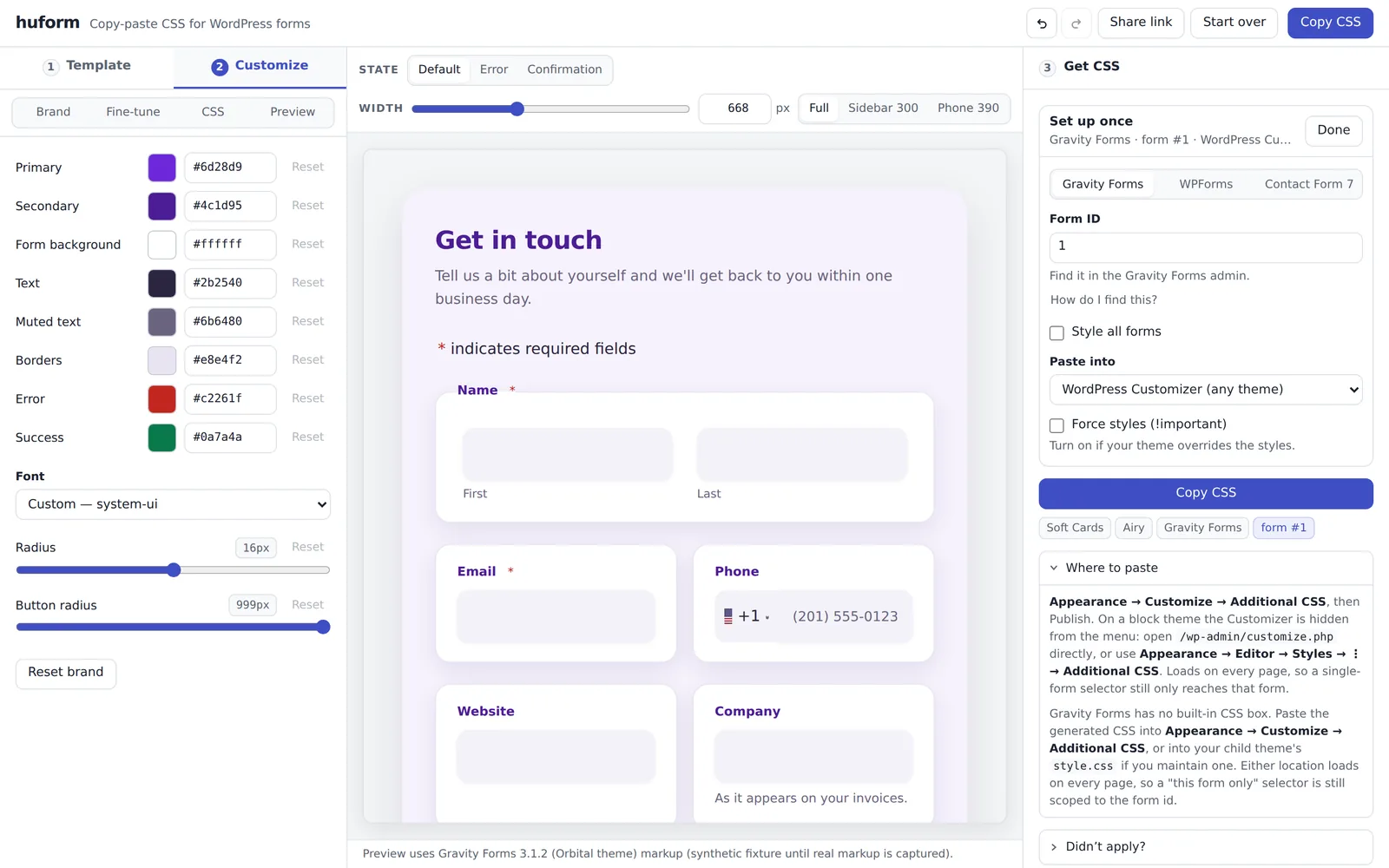
Three steps
Every template works with every supported plugin. Switching plugin never changes your design, only the CSS you copy.
Pick a template
Thirteen looks, each in Airy, Dark and Compact. Some take a background image.
Make it yours
Brand colours, fonts, corner radius, spacing. Sliders for everything; an Expert mode if you want to type CSS.
Copy the CSS
Choose your plugin and where you paste. You get exact instructions for your builder, and a checklist if it did not apply.
Built for the real plugins
The CSS is written against each plugin's actual markup, captured from the plugin itself, including the parts that usually look wrong: two-column layouts, the phone field with a country code, error and thank-you states.
Gravity Forms
2.7 and up, Orbital theme. Column layouts, international phone field, confirmations.
WPForms
1.8 and up, modern markup. Lite and Pro.
Contact Form 7
5.5 and up. Styles what the plugin leaves to your theme.
It tells you where to paste
Each builder keeps custom CSS somewhere different, and some have a per-element box that refuses a stylesheet. huform names the right place for yours.
Free, no signup
Your work stays in your browser and in the share link. Nothing is stored on our servers.
Open the app